StandupVR: a place to think together
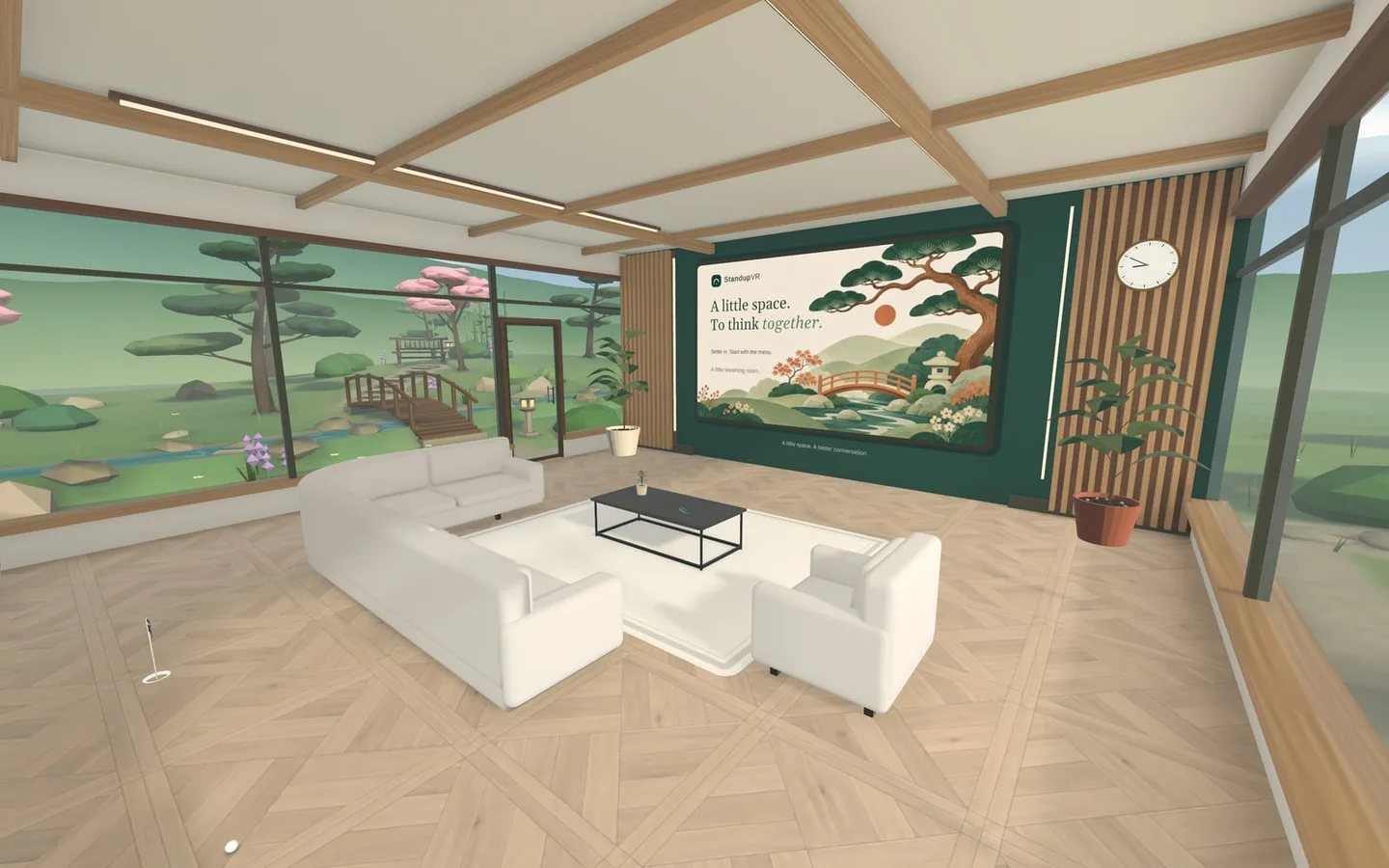
A shared studio for Quest and laptop guests, with the work on the wall and a little room between meetings.
- Meet on
- Quest & laptop browsers
- Gather
- Up to 6 people
- Bring along
- Your screen and ideas
A standup is a small meeting, but the place around it can change how it feels. StandupVR is my exploration of a shared studio: somewhere to bring the tickets, point to a detail and have a conversation that feels a little less like a grid of separate windows.
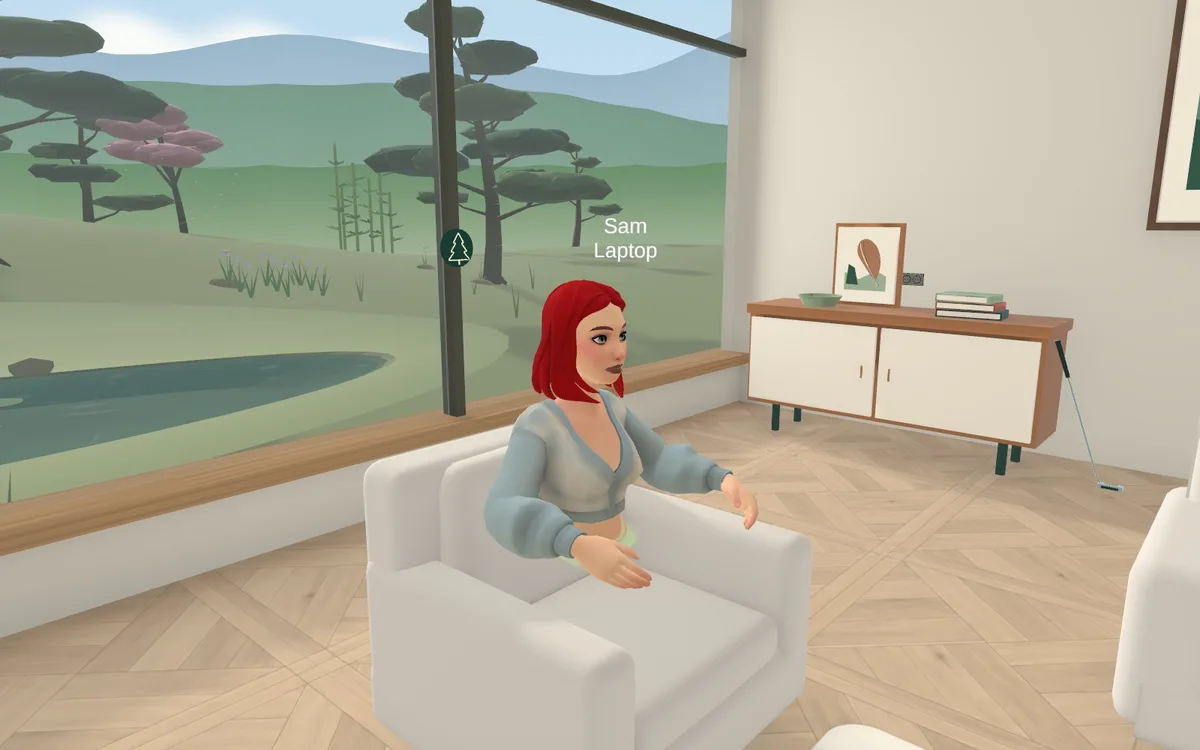
The room has six places. Some people can be in Meta Quest, while others join from a Mac or Windows browser. A laptop guest needs a name and the room code, not a headset or a Meta account.
The work belongs in the room
The studio wall can show a shared browser or a computer window. In Quest, the table laser handles navigation, while other participants can sketch with their normal pointers. Each person's marks have their own colour and fade away after use, keeping the screen clear for the next thought.
A private desk, a shared perspective
There is a difference between having your computer nearby and showing everything to the room. The personal desk keeps a private virtual monitor in Quest, with a small passthrough view of your real keyboard and trackpad.
When something is ready to share, the screen can move to the studio wall. Stop sharing and the private monitor returns. That boundary helps make the room useful for actual work, not just a demonstration of being in VR.
Leave a little space around the meeting
The studio can look out onto a garden, a reef or a beach. Beyond the conversation there is putting, a garden chess table and places to sit. These are small invitations to linger or reset, not another task list.
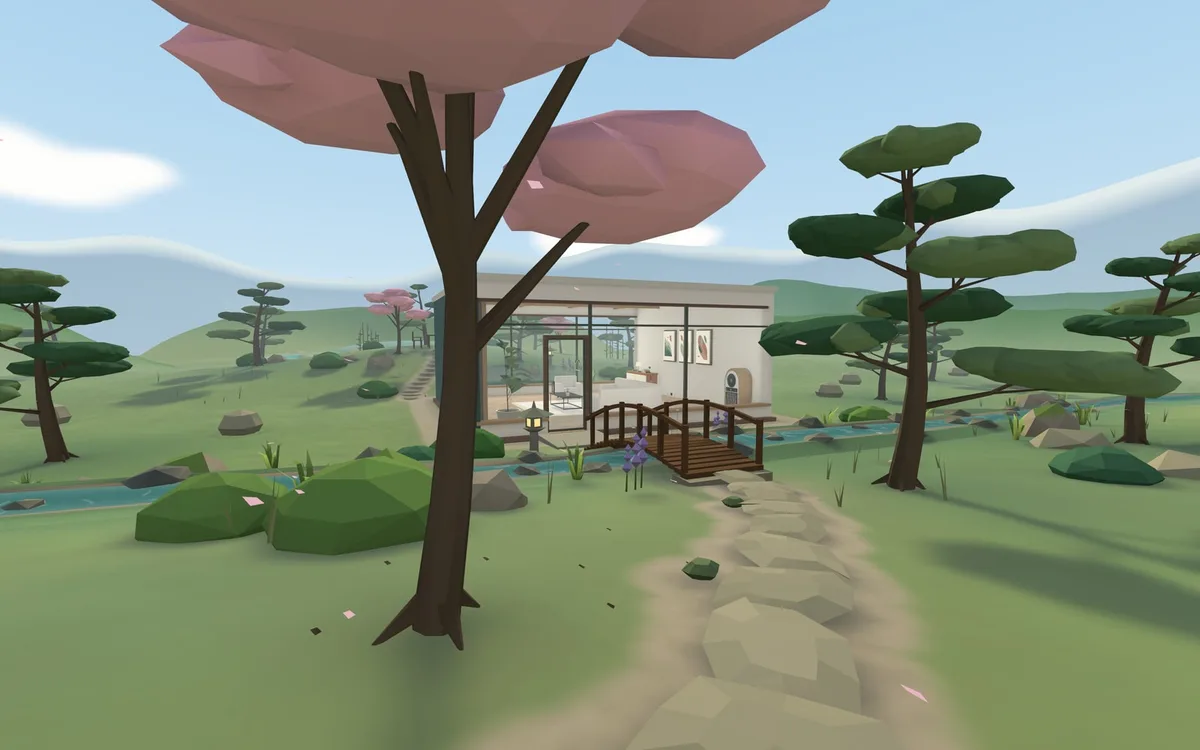
StandupVR continues to grow, and the images here show the current development preview. The project website has the latest room features, Quest link and browser entry points.